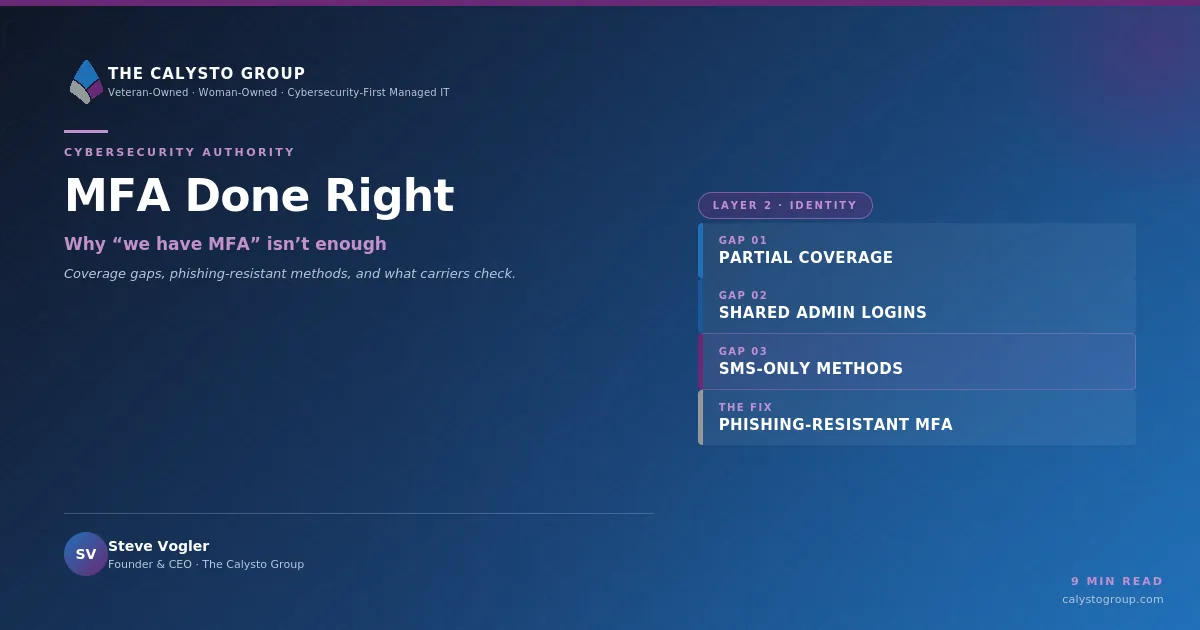
MFA Done Right: Why “We Have MFA” Isn’t Enough
When a leadership team tells us they have multi-factor authentication, our next question is always the same: everywhere?
The answer is usually no. And the gap between “we have MFA” and “MFA is enforced everywhere it matters” is where a surprising number of breaches still happen — even at organizations that consider themselves well protected.
Multi-factor authentication is one of the highest-return security controls a business can deploy. It is also one of the most commonly misconfigured. Getting it right is less about buying a product and more about understanding where the coverage gaps hide.

What MFA actually does
MFA requires a second proof of identity beyond a password. Even if an attacker steals or guesses a password, they cannot log in without that second factor. Given that stolen credentials are behind a large share of business breaches, this single control closes one of the most common attack paths available.
That is the theory, and the theory is sound. The problem is that MFA is often deployed on the front door while several side doors remain unlocked.
The three coverage gaps we see most
Gap one: partial coverage. MFA is enabled on email but not on the VPN. On the primary application but not the accounting system. On user accounts but not on the shared administrator credentials that hold the most privilege. Attackers do not attack where you are strong. They look for the one system that was never brought into the policy.
Gap two: shared admin logins. Many small environments still have administrator accounts that several people use and that predate the MFA rollout. These are the most valuable accounts in the environment, and they are frequently the least protected. If a shared admin account has no second factor, the strength of MFA everywhere else matters less than you would hope.
Gap three: weak second factors. Not all MFA is equal. A code sent by text message is far better than nothing, but it can be intercepted or defeated through SIM-swapping and increasingly convincing prompt-fatigue attacks. The strongest methods — app-based authenticators with number matching, or hardware security keys — resist the phishing techniques that defeat weaker factors.
“We have MFA” is a starting point, not a finish line. The real question is whether it covers every privileged path into your business.
— Steve Vogler, Founder & CEO
Phishing-resistant MFA, in plain terms
The phrase “phishing-resistant MFA” appears in insurance applications and compliance frameworks with increasing frequency, and it is worth understanding what it means.
Ordinary MFA can still be defeated if an attacker tricks a user into approving a login they did not initiate, or into entering a code on a fake site that relays it in real time. Phishing-resistant methods — principally hardware security keys and modern passkey technology — bind the authentication to the legitimate site itself, so a fake site cannot complete the handshake. The user cannot be tricked into approving something for the wrong destination, because the method simply will not work anywhere but the real one.
You do not need to deploy hardware keys everywhere on day one. But your most privileged accounts — administrators, finance approvers, executives — are exactly where the strongest methods earn their cost.

What your cyber insurance carrier now checks
Two years ago, an insurance application that said “we use MFA” was often enough. Today, carriers cross-check. They ask which systems enforce it, whether privileged accounts are covered, and what method is in use. An application that overstates coverage can lead to a denied claim at the worst possible moment — after an incident, when the policy is supposed to respond.
This is not a reason for anxiety. It is a reason for an honest inventory. If you can demonstrate enforced, phishing-resistant MFA across your privileged systems, you are in a strong position both for security and for coverage.
A practical step you can take this week
You do not need a project or a consultant to start. Ask your IT team or MSP for a simple inventory: every system that stores sensitive data or holds administrative privilege — email, cloud storage, the CRM, accounting, HR, the VPN, remote access, backup consoles, and endpoint management platforms. For each one, three questions:
- Does it enforce MFA, or merely offer it as optional?
- Are the shared and administrator accounts covered?
- What method is in use — text message, authenticator app, or hardware key?
That single conversation surfaces more real coverage gaps than most security assessments do, and it costs nothing but an hour of attention.
Ask your current MSP:
- Which of our systems enforce MFA today, and which only offer it as optional?
- Where are our shared admin accounts, and are they covered by a strong second factor?
- How would we prove MFA coverage if a cyber insurance carrier asked for evidence?
MFA done right is not a product you buy once. It is a coverage discipline you maintain — an inventory that stays current as you add systems, and a standard that says every privileged path gets a strong second factor. Get that right, and you have closed one of the most common doors an attacker will ever try.
The Calysto Group is a veteran-owned, woman-owned, cybersecurity-first managed IT firm serving businesses across Michigan from offices in Saint Clair and Troy. If you would like a second set of eyes on your MFA coverage, we would be glad to help.
